Produit
Conçue pour









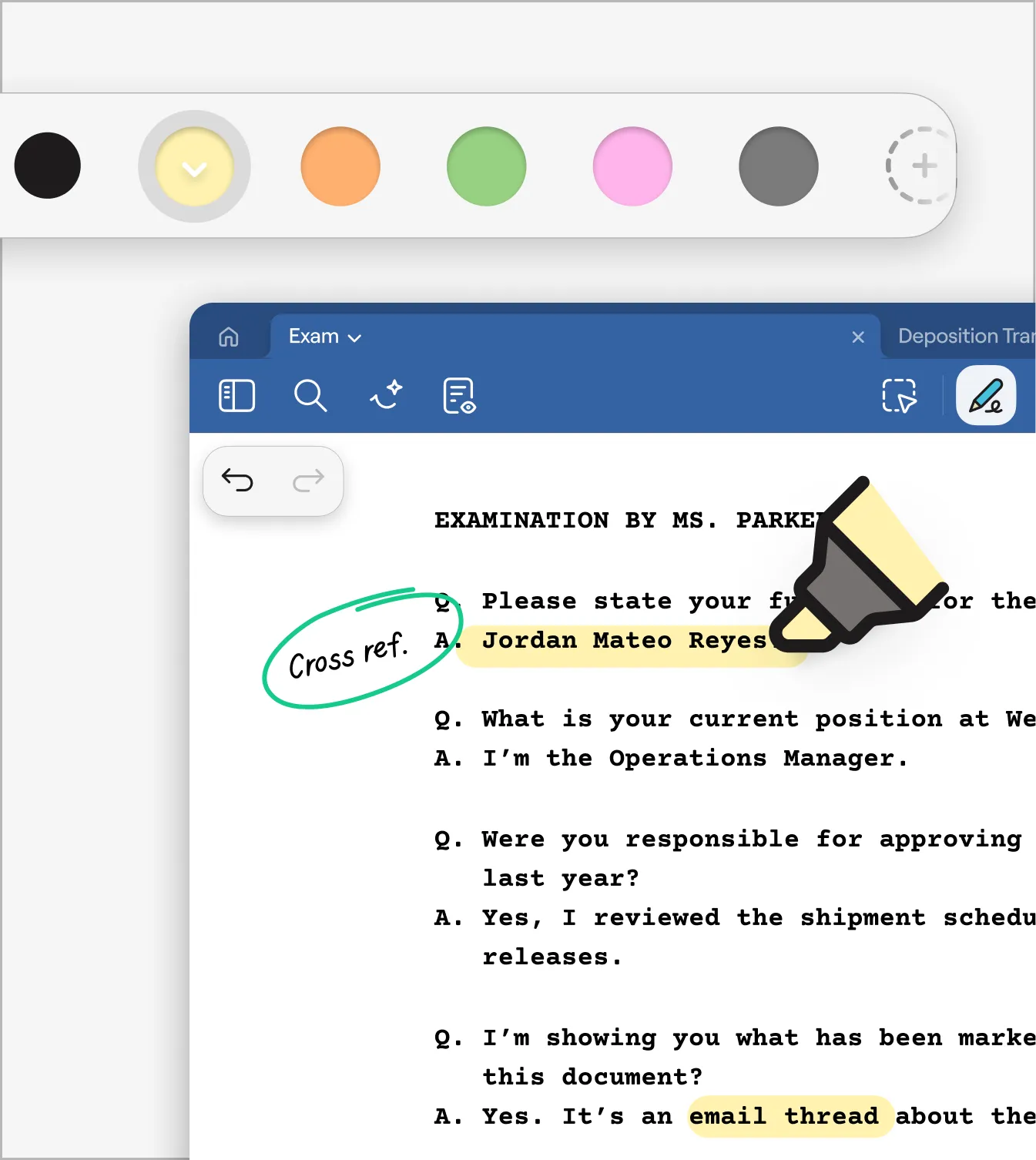
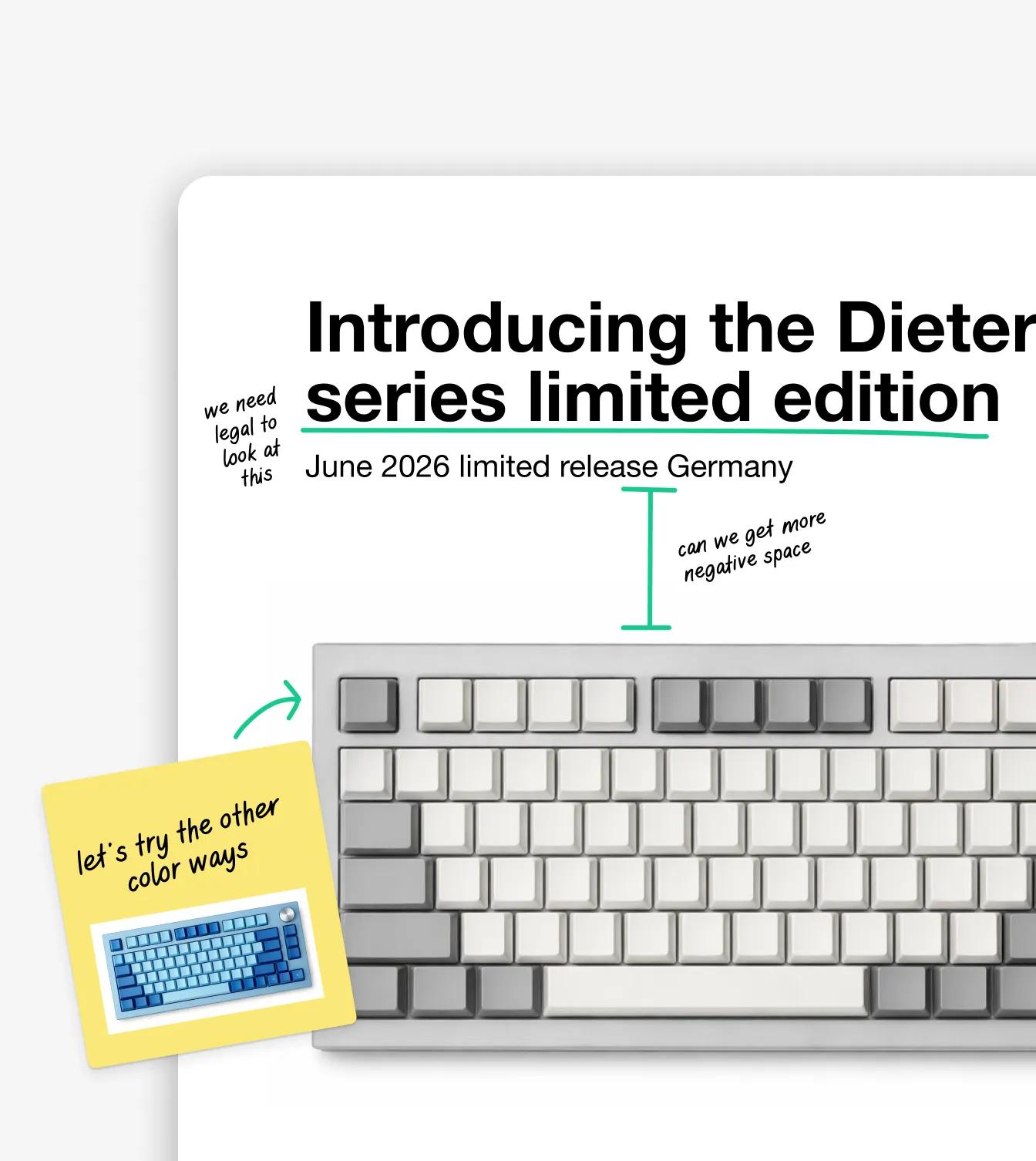
Importe des contrats, des rapports, des présentations, des formulaires ou des documents personnels, et annote-les naturellement en quelques secondes.
En savoir plus →

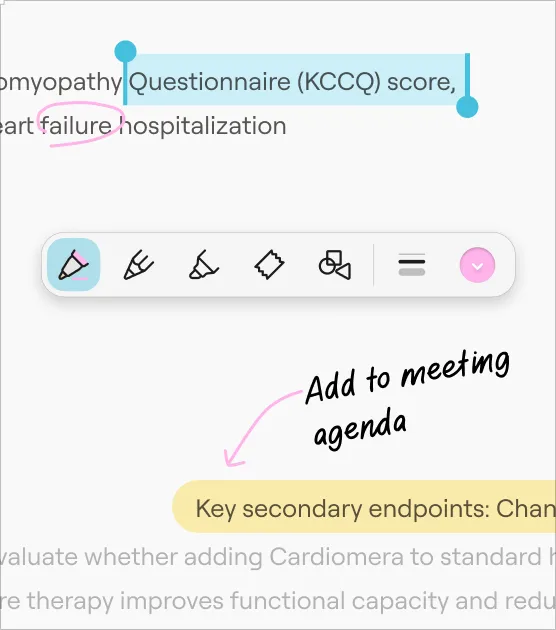
Écris à la main, surligne et saisis du texte directement sur tes fichiers PDF en toute simplicité. Toute la liberté du stylo et du papier, mais avec la puissance des notes numériques.
En savoir plus →
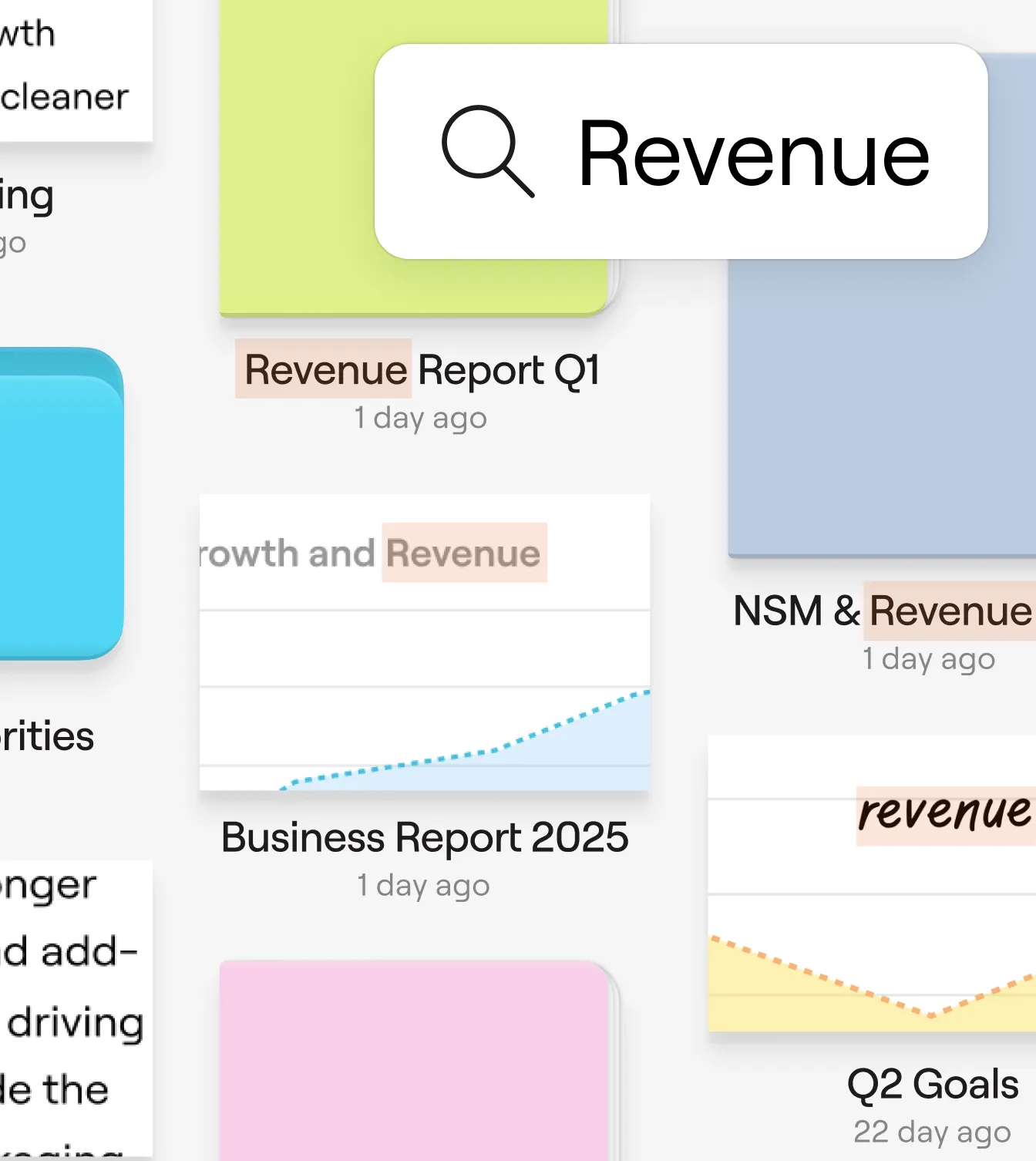
Transforme tes retours manuscrits en informations consultables. Reste organisé et partage facilement des fichiers PDF annotés et soignés, quel que soit ton lieu de travail.
En savoir plus →

de moins par semaine par membre de l’équipe consacrées à l’organisation des notes
Création plus rapide de comptes rendus de réunion grâce à la synthèse par IA
Les équipes font état d’une meilleure accessibilité des informations
Réduction du temps consacré à la mise en forme des notes
« C’est un excellent outil pour collaborer sur des notes et les synchroniser entre différents appareils. Je trouve que ses outils PDF et ses fonctionnalités d’édition sont excellents. C’est pratique de pouvoir synchroniser ses notes entre différents appareils et de les consulter où que l’on soit. »


« Goodnotes offre pour l’instant la meilleure expérience d’écriture avec l’Apple Pencil. Plus besoin de trimballer son bloc-notes partout ; un iPad suffit amplement. J’apprécie également le fait de pouvoir ajouter des PDF et des fichiers à une section et de les conserver séparément plutôt que de les intégrer dans les notes, ce qui facilite grandement l’organisation et la consultation des documents annotés. »
« Je prépare mes interventions chirurgicales en surlignant des fichiers PDF dans Goodnotes d’un côté de mon écran, tout en notant les points clés dans Google Docs de l’autre. Si j’ai besoin de vérifier quelque chose en cours d’intervention, je consulte mes notes sur mon téléphone en mode lecture seule. Le fait que tout soit synchronisé sur tous mes appareils m’offre une flexibilité dont je ne disposais pas auparavant. »
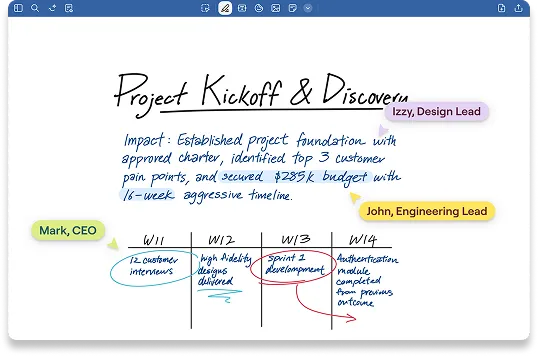
Collabore en temps réel sur des documents et des fichiers PDF.
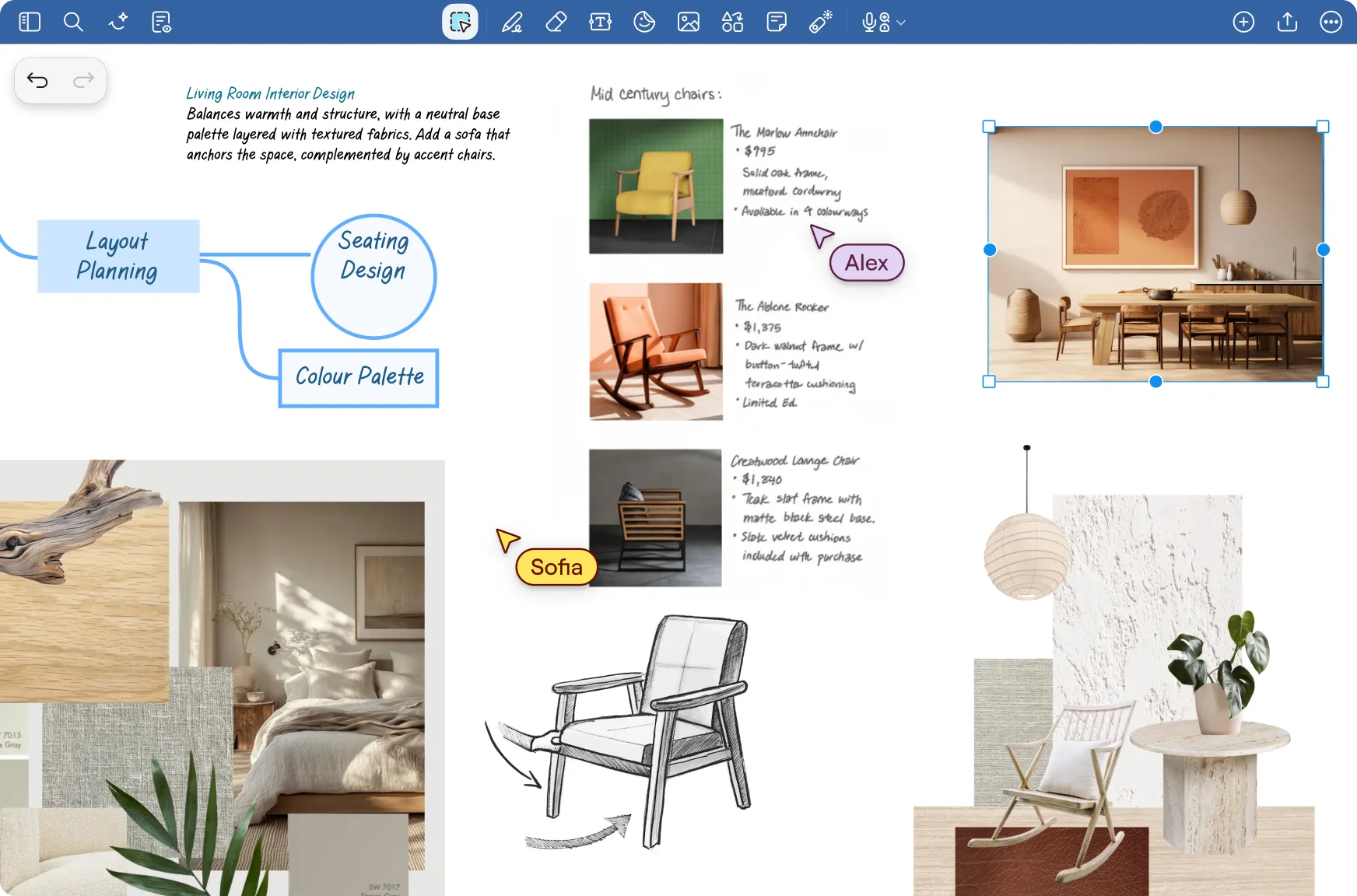
Une toile infinie pour le brainstorming et la création d’idées.
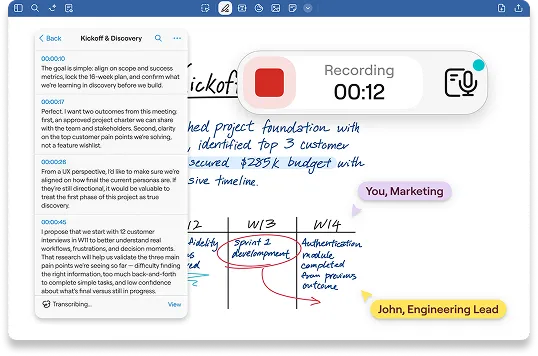
Synchronise l’audio avec tes notes pour ne manquer aucun détail.
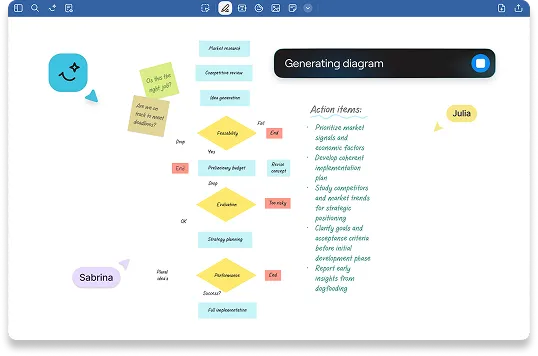
Une IA intégrée directement à ton travail pour t’aider à te concentrer sur l’essentiel.