Produit
Conçue pour
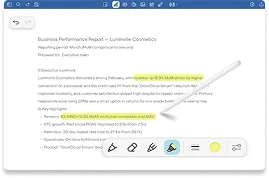
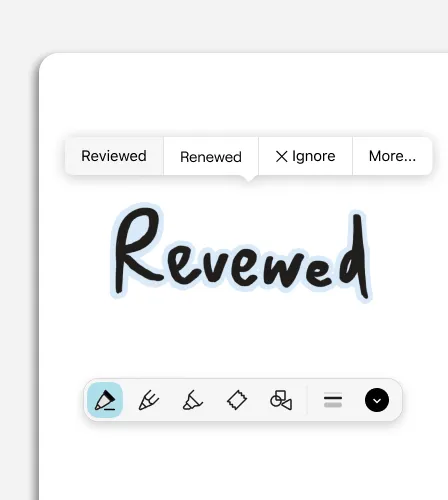
Goodnotes est conçue pour privilégier l’utilisation du stylet. Consigne tes idées naturellement, puis peaufine-les en quelques secondes grâce à Smart Ink ; tes notes restent ainsi faciles à lire et à développer, même lorsque ta journée s’enchaîne à un rythme effréné.
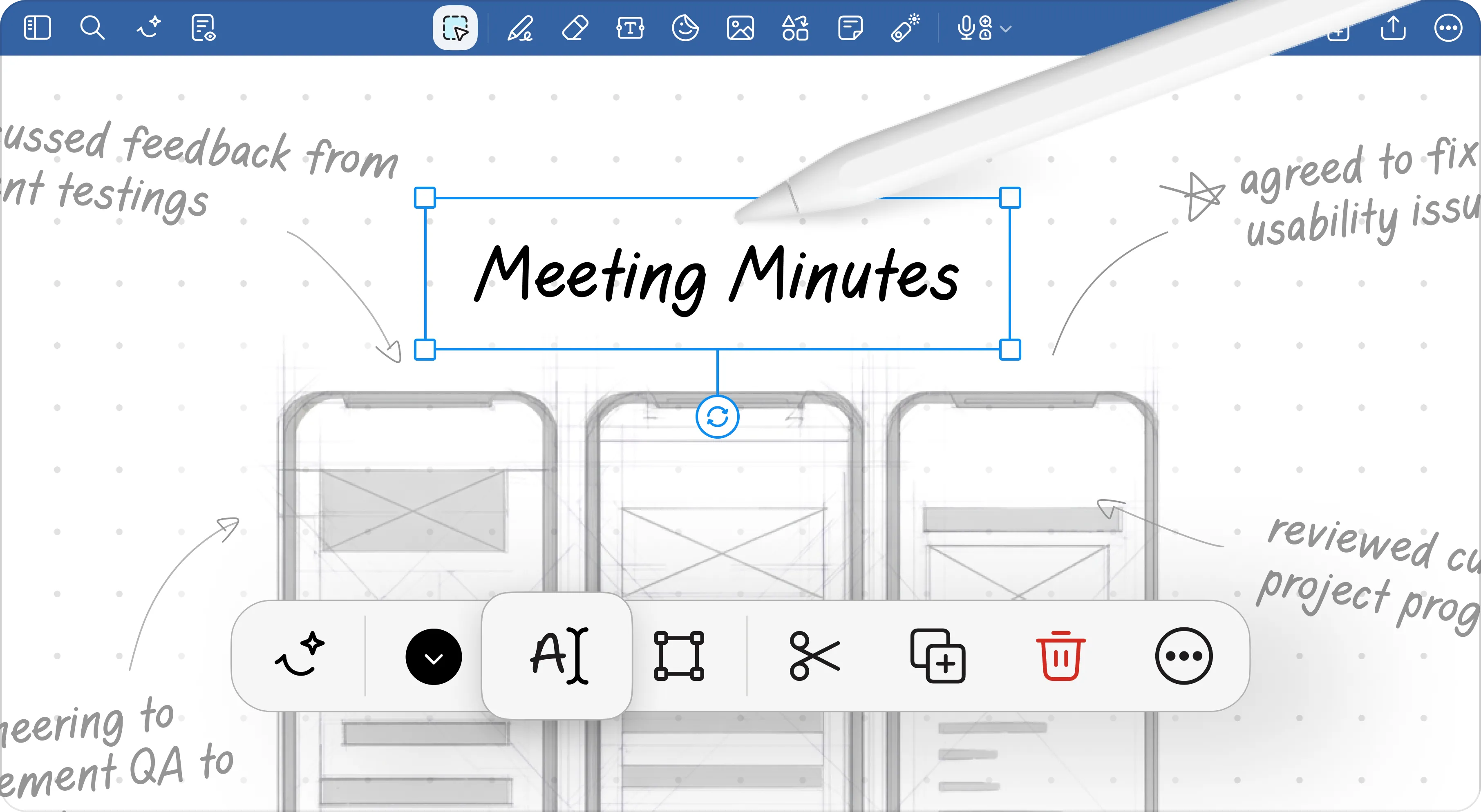












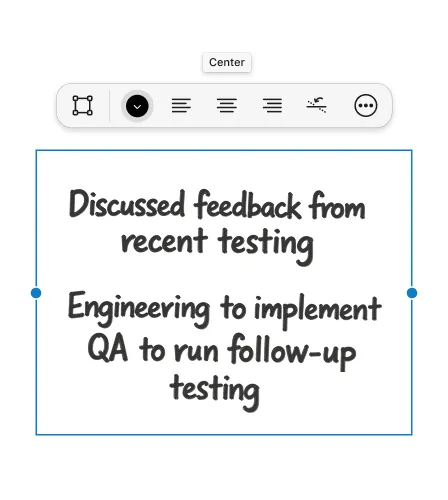
Redresse et aligne ton écriture manuscrite, modifie l’espacement et remodèle tes paragraphes sans perdre ton style d’origine ; grâce à l’organisation des notes Smart Ink, tes notes ont un aspect soigné, même lorsque tu travailles rapidement.
En savoir plus →

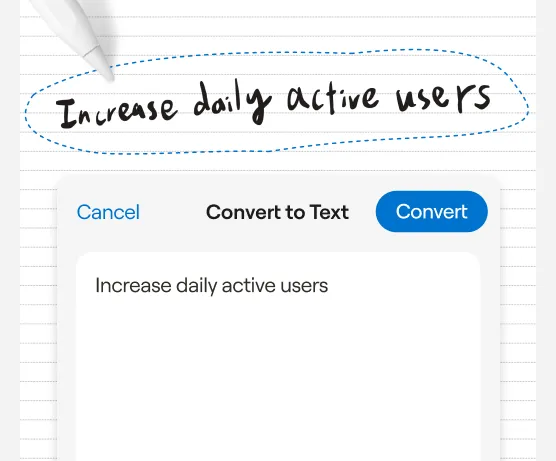
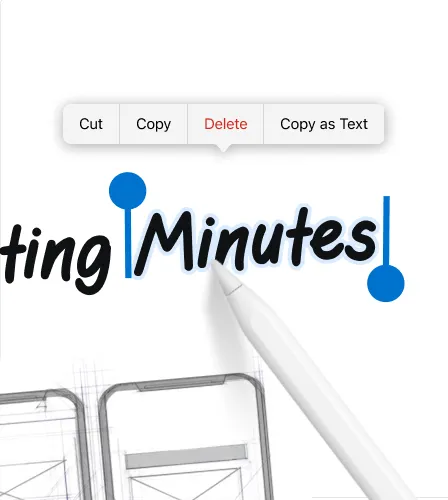
Convertis tes notes manuscrites en texte net et modifiable afin de les partager ou de transformer instantanément tes idées en documents texte clairs et lisibles
En savoir plus →
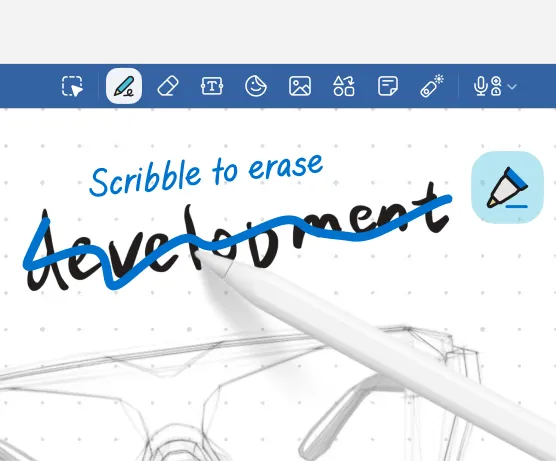
Utilise des gestes naturels avec le stylet, comme gribouiller pour effacer et entourer pour sélectionner, sur tes notes et schémas afin de pouvoir les modifier au rythme de tes pensées.
En savoir plus →
de moins par semaine par membre de l’équipe consacrées à l’organisation des notes
Création plus rapide de comptes rendus de réunion grâce à la synthèse par IA
Les équipes font état d’une meilleure accessibilité des informations
Réduction du temps consacré à la mise en forme des notes
« J’adore la façon dont Goodnotes fonctionne parfaitement avec l’Apple Pencil : l’écriture est extrêmement fluide et réactive. Goodnotes me permet de regrouper toutes mes notes manuscrites, mes PDF et mes supports de cours au même endroit, ce qui m’évite d’avoir à jongler entre plusieurs applications. La possibilité de rechercher mes notes manuscrites, d’organiser mes bloc-notes et de les synchroniser sur tous mes appareils me fait gagner du temps et rend mon flux de travail bien plus organisé. »


« J’apprécie Goodnotes pour sa capacité à organiser mes notes d’exposition et à faciliter leur recherche. Cette application me permet d’esquisser des mises en page, d’annoter des plans d’étage et de rassembler facilement des informations sur leur provenance. La reconnaissance de l’écriture manuscrite est précise, et la synchronisation entre appareils me permet de travailler en toute fluidité, que ce soit à la galerie, au bureau ou dans les espaces de stockage. Elle a remplacé mes dossiers papier éparpillés, ce qui me facilite grandement la rédaction rapide de rapports. »
« Une excellente application pour prendre des notes. J’apprécie la façon dont elle corrige mon écriture, ainsi que le correcteur d’orthographe, même lorsque j’écris à la main. J’adore la facilité avec laquelle je peux organiser toutes mes notes, ce qui m’aide à structurer celles de tous mes projets. »
Découvre l’expérience du stylet dès aujourd’hui
Commence gratuitement

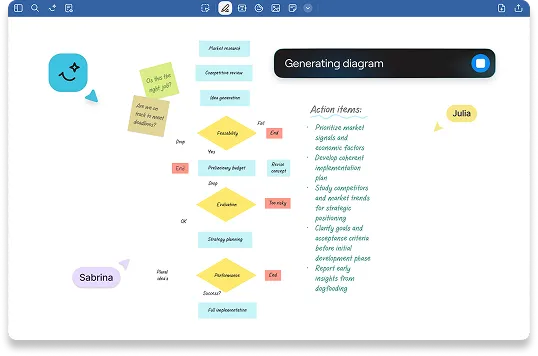
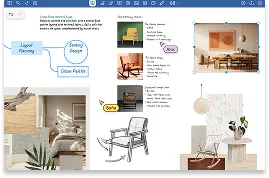
Une toile infinie pour le brainstorming et la génération d’idées
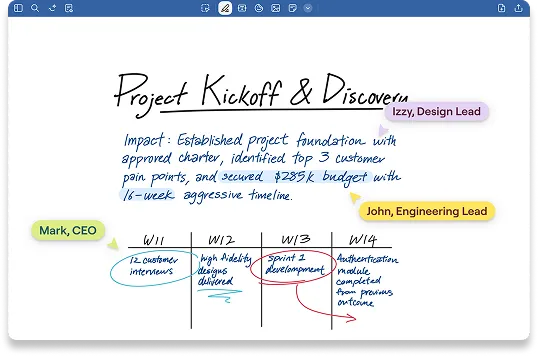
Collabore en temps réel sur des documents et des fichiers PDF